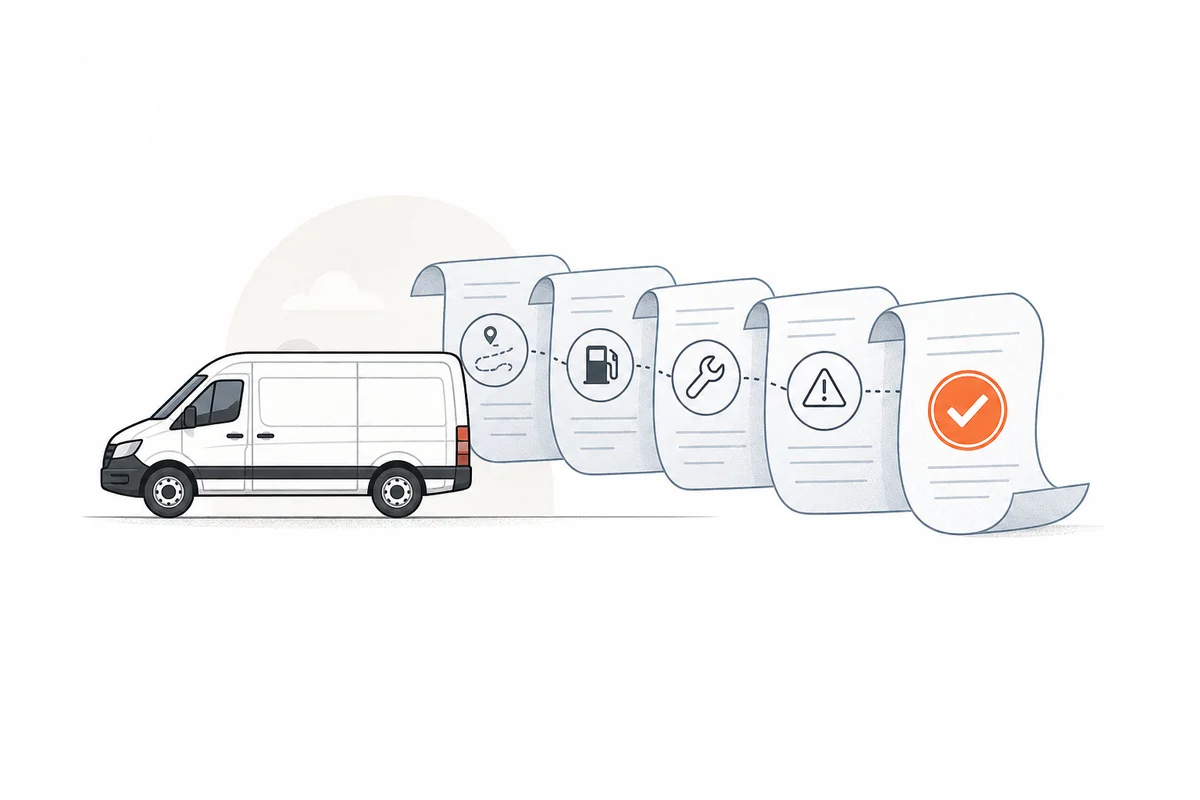
Complete Vehicle History
Stop piecing the vehicle story together from chats and spreadsheets. Identity, mileage, fuel, service, issues, trips, decisions, corrections, and archived records stay in one history.
Fleetlyf Fleet Management Software
Manage Vehicles, Trips, Clients, and Fleet Finances in One Place
Fleetlyf keeps maintenance, documents, fuel, mileage, issues, trips, client balances, invoices, and decisions connected to the right vehicle. No tracking hardware required.
Vehicles Managed
Fleet Companies
Active Drivers
Overview
Latest activity, vehicle status, and records that need action.
12
Vehicles
8
Active Drivers
6
Trips Today
3
Need Attention
Trip Checkpoint Map
Latest recorded point for ongoing trips and today’s activity
Built Around the Vehicle
See the identity, history, costs, files, follow-ups, and decisions behind each vehicle without rebuilding the story from separate tools.
Stop piecing the vehicle story together from chats and spreadsheets. Identity, mileage, fuel, service, issues, trips, decisions, corrections, and archived records stay in one history.
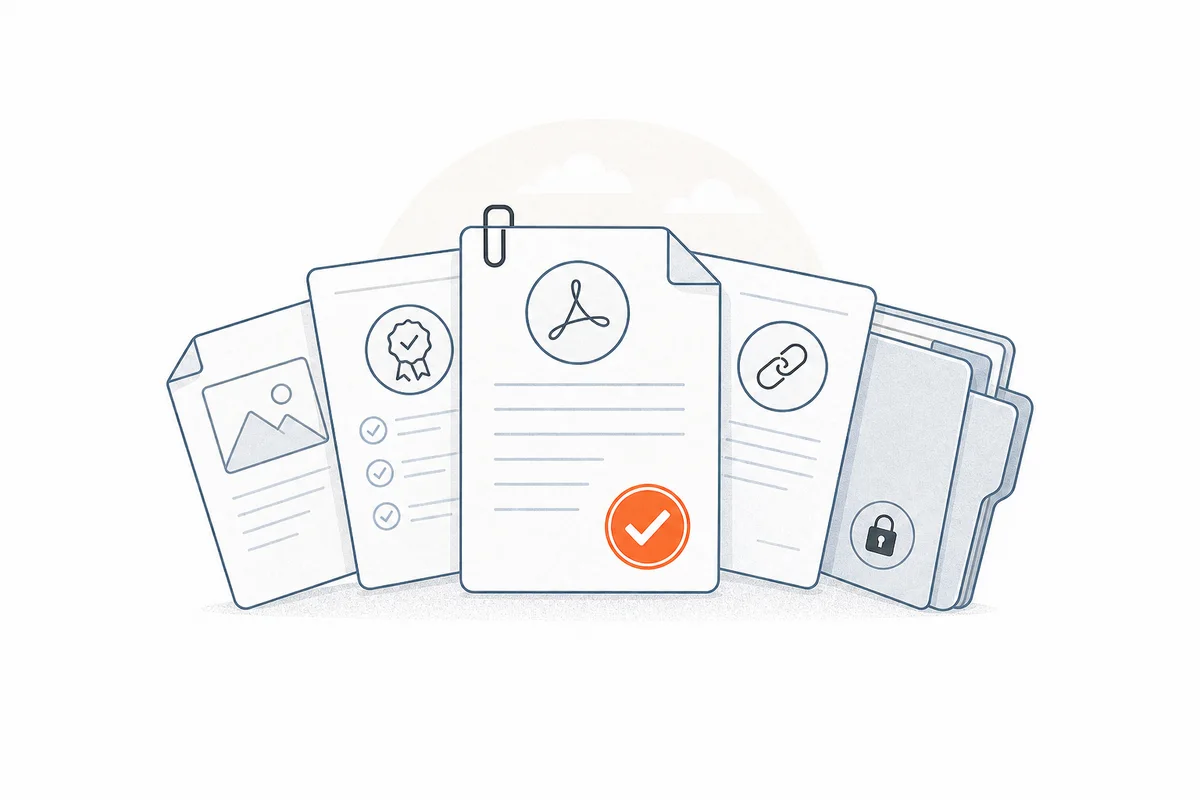
Find the vehicle document you need without searching through folders and messages. Insurance, permits, inspections, certificates, images, PDFs, and secure links stay organized and private.
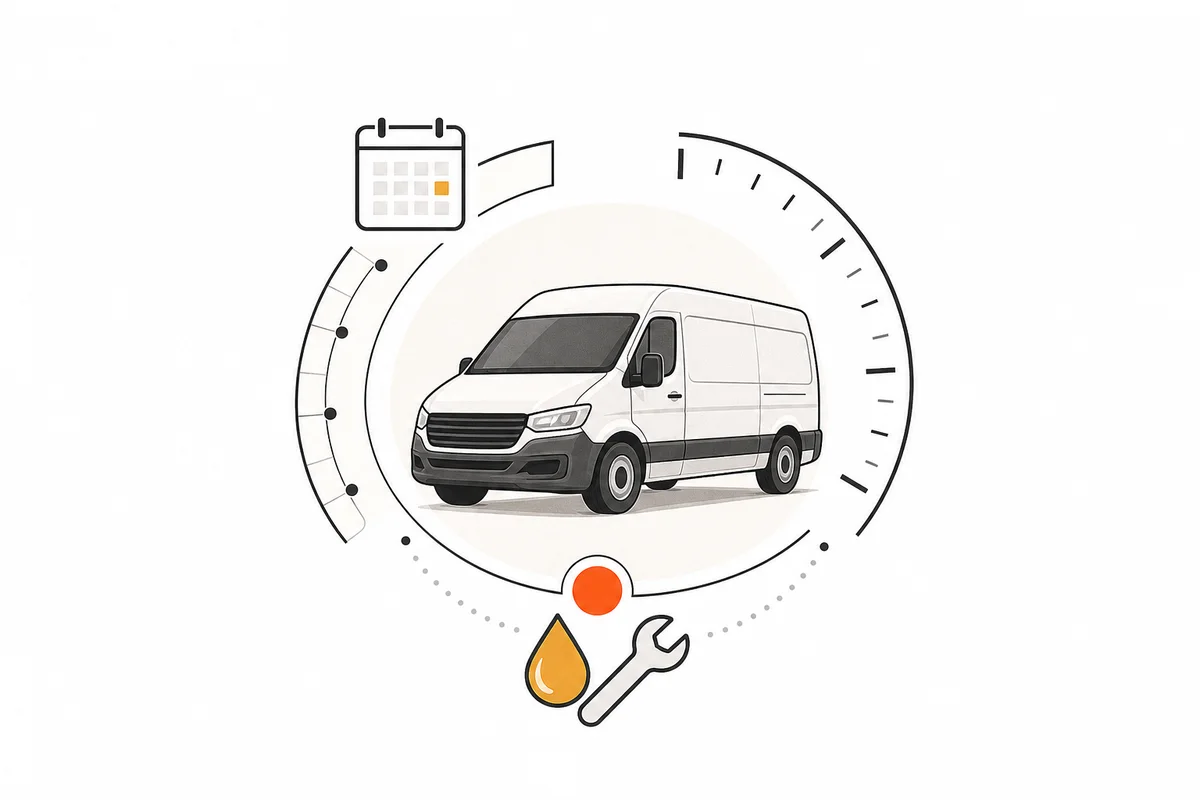
Never let an important vehicle follow-up disappear again. Due service, overdue maintenance, expiring documents, and mileage-based schedules stay visible until your team handles them.
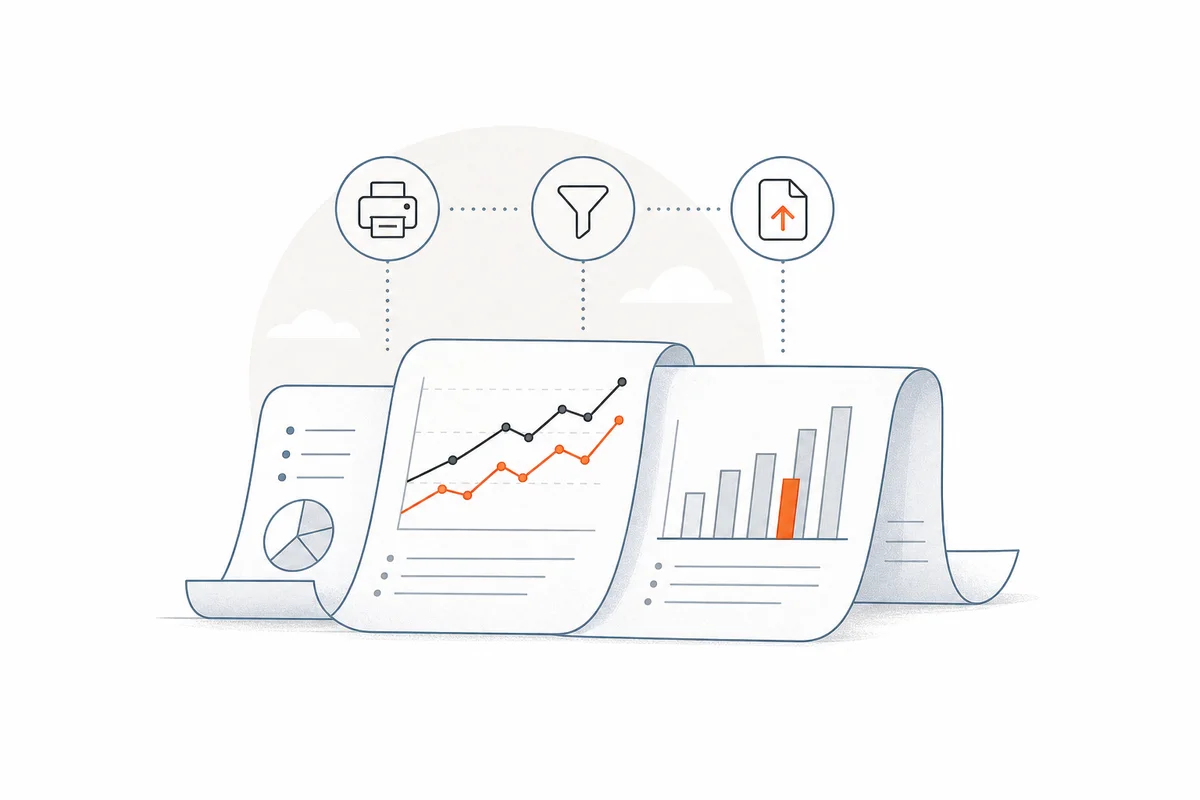
See where each vehicle’s time and money are going. Compare trips, distance, fuel, maintenance, cost, and performance, then filter, print, or export the period you need.
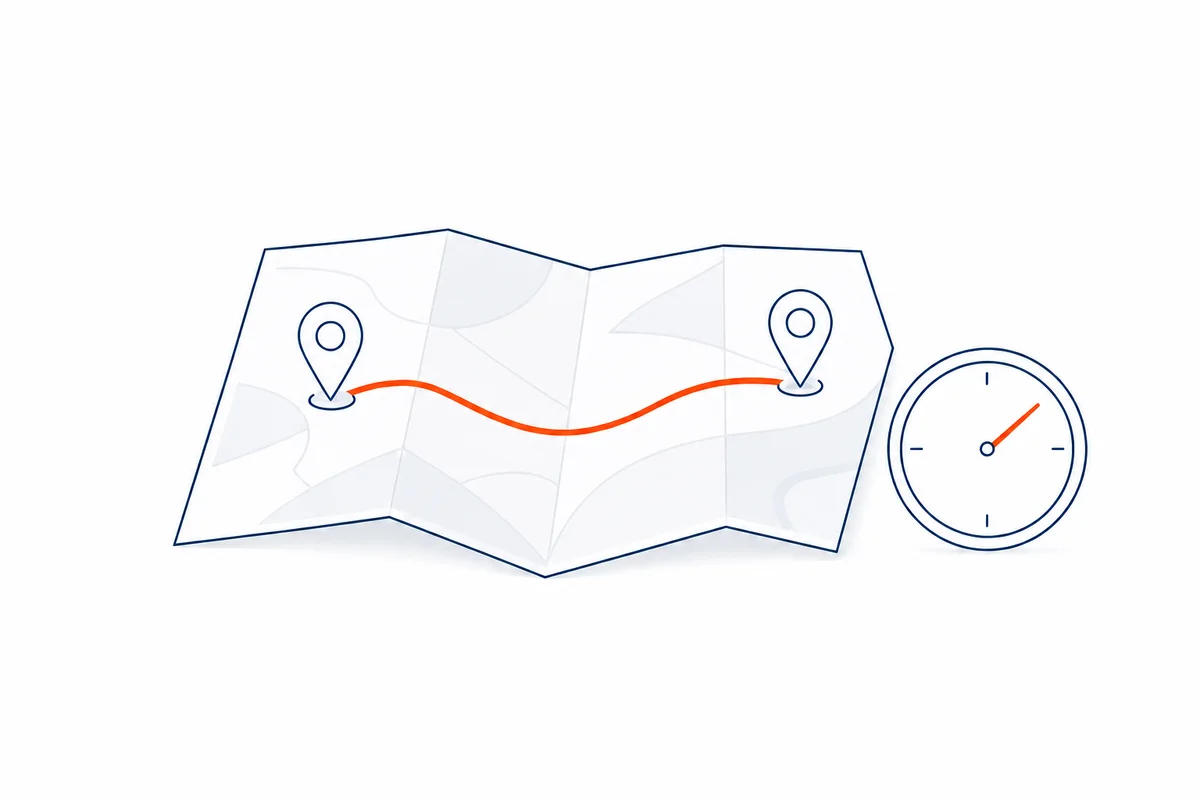
Distance Range
13.8–17.6 km
Time Range
26–54 min
With Traffic
45 min
Know roughly how far and how long a planned trip should take before it begins. Fleetlyf uses Google Maps route and traffic estimates to create an expected range, then compares it with recorded movement and elapsed time. It is a planning reference, not live tracking.
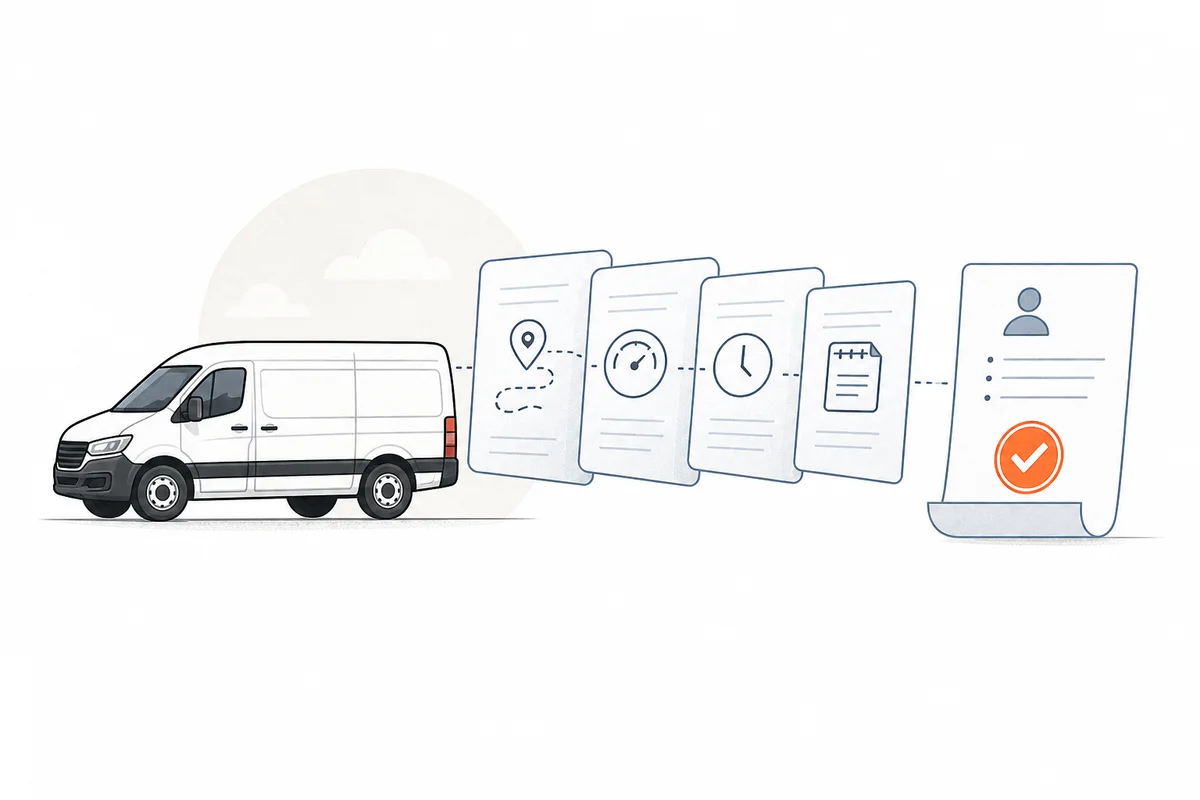
Record trips without losing the final review step. Unusual trip results, interruptions, and issue reports stay with the responsible reviewer, notes, and follow-up dates until a manager records the outcome.
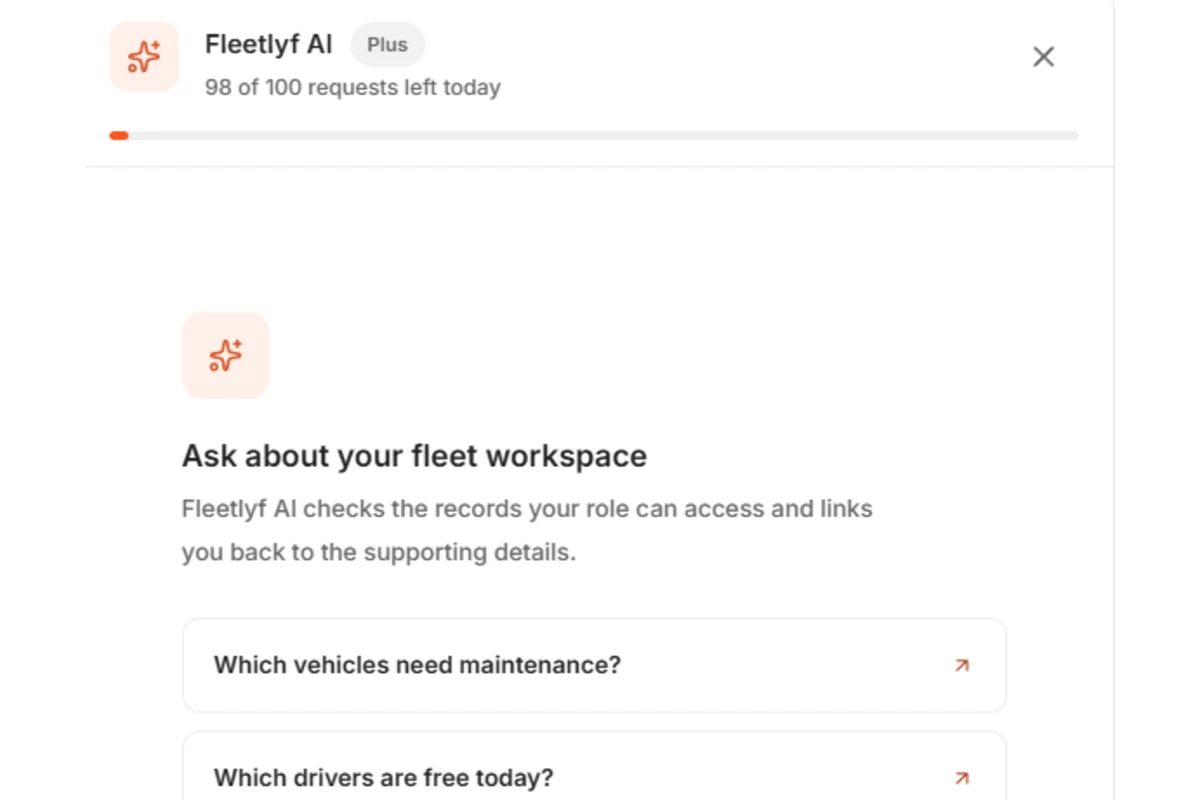
Ask questions about the fleet records your role can access. Fleetlyf AI can summarize verified workspace data, create supported charts, explain how to use a module, and guide you back to a useful record while keeping every decision with your team.
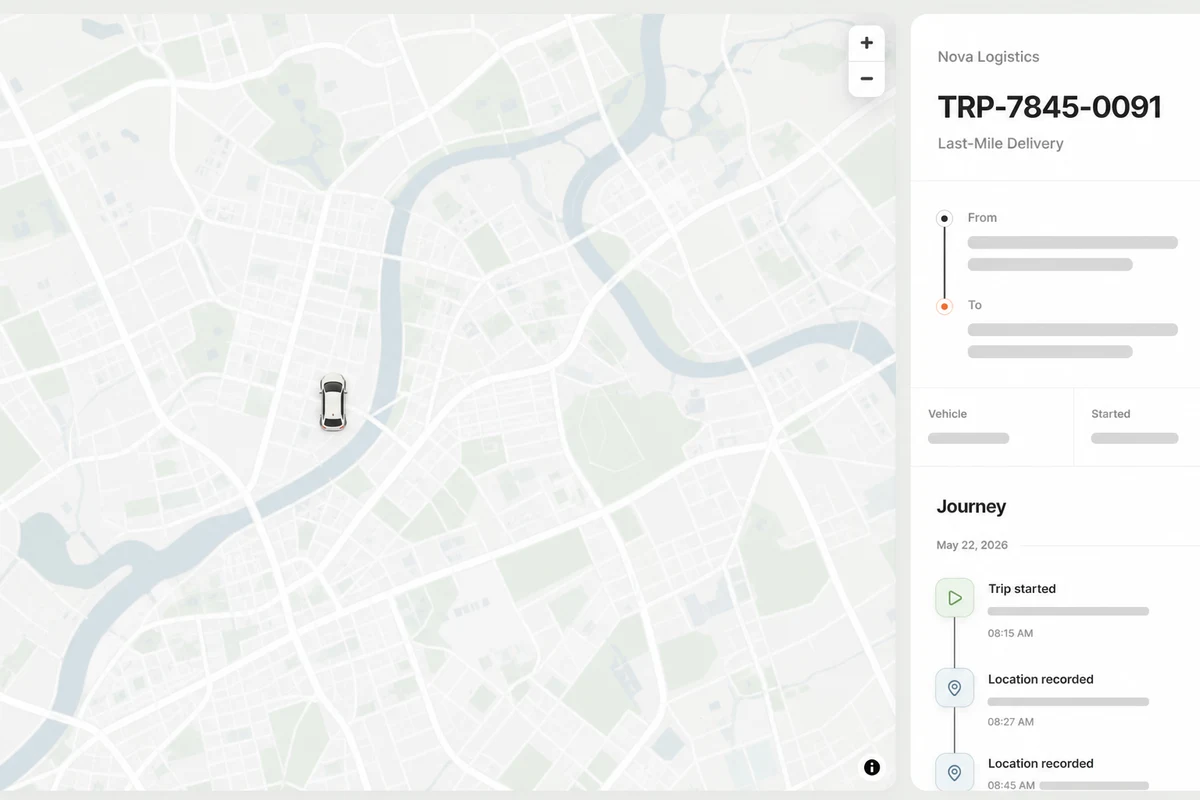
Create a revocable client link for the planned route, assigned vehicle, trip status, and driver-recorded location updates so clients can follow the recorded journey without continuous GPS tracking.

Operational Finance for Plus
Connect clients, invoices, payments, completed-trip revenue, driver compensation, tolls, fuel, and other direct costs in one fleet finance workspace. Understand operational profit without turning Fleetlyf into full accounting software.
Why Fleetlyf Exists
Why We Built It
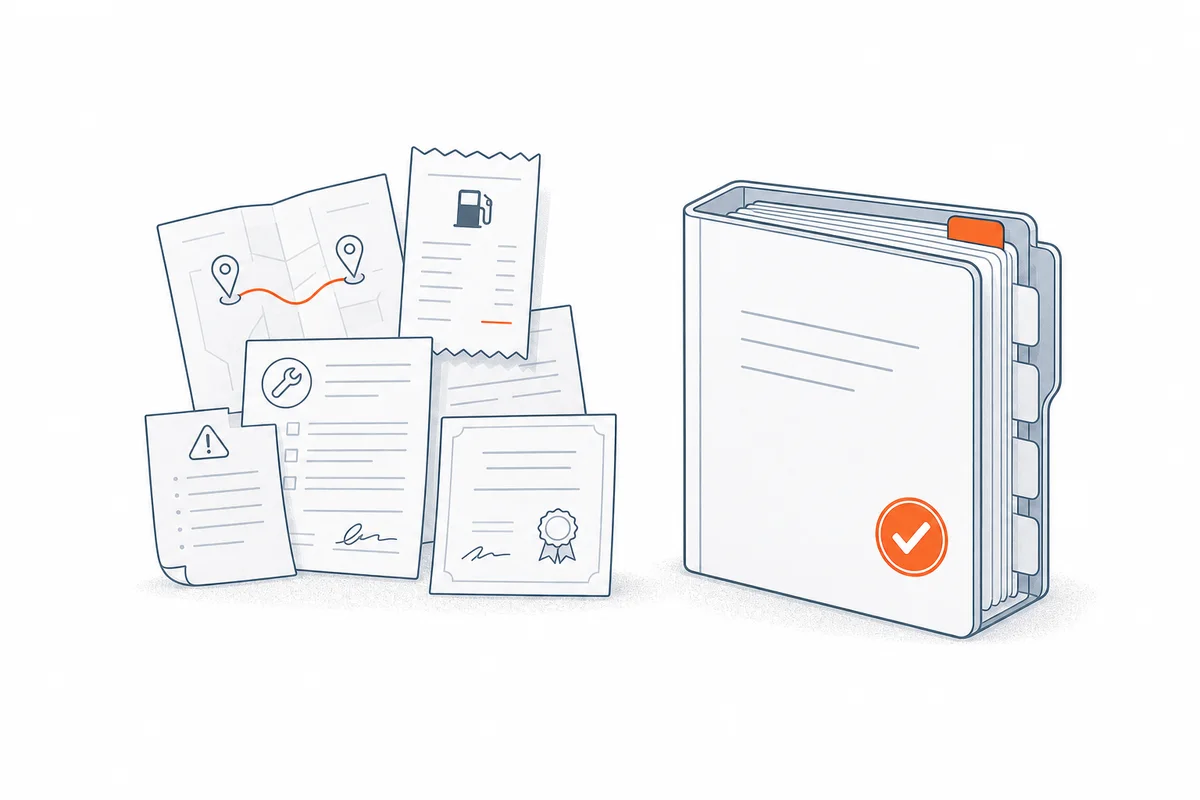
Fleetlyf gives small and medium fleets one searchable vehicle record for trips, mileage, fuel logs, maintenance, issues, supporting documents, corrections, and management decisions.
What It Prevents
Service dates, mileage-based maintenance, expiring vehicle documents, unresolved issues, unusual records, and pending reviews appear in needs action and notifications, even when no trip is recorded.
How It Helps
Connect completed work to clients, invoices, payments, revenue, direct costs, and driver settlements. Search, print, and export the operational history behind every total without presenting Fleetlyf as full accounting software.
Optional Trip Workflows
Fleetlyf remains useful even when drivers never open the app. Let the office record completed work, request driver proof for selected trips, or combine both approaches.
The office plans and closes each trip. Add the driver name only when you want it in the record.
The office can close the trip, or assign a driver to capture phone proof only when it matters.
The assigned driver captures start, end, location, and odometer proof. A manager closes the trip.
Built for Operational Fleets
Operating Environment
Vehicles, Completed Work, and Client Balances
Vehicle history, completed work, direct costs, invoices, payments, and exceptions remain connected instead of being rebuilt across spreadsheets.
What Is Fragmented Today
What Fleetlyf Connects
Questions Before You Switch
Fleetlyf keeps each vehicle connected to its drivers, trips, mileage, fuel, maintenance, repairs, issues, supporting documents, costs, and management decisions. Owners and managers can search the history, see what needs attention, compare performance, and print or export the records their plan includes.
It is built for small and mid-sized fleets that need a clear operating record without an enterprise telematics rollout. It supports owners, managers, admins, and drivers in the same company workspace, with access based on each person's role.
No. Managers and admins can record work from office sources, while assigned drivers can submit phone-based checkpoints, odometer photos, breaks, issues, and optional current-location updates. A fleet can use either method or combine them trip by trip.
Yes. Open Help, then Install Fleetlyf for device-specific steps. Browser wording varies, so the option may appear as Install app, Install as a web app, Install and create shortcut, or Add to Home Screen. The installed version opens with the same account, role, and fleet workspace.
Yes. The installed web app uses the same Fleetlyf release as the browser version. When a new version is ready, Fleetlyf shows an update alert. If an active trip, open proof draft, driver operation, or unsent offline proof could be interrupted, the update waits until it is safe to reload.
Basic includes vehicle and driver records, all three trip workflows, trip planning and checkpoints, odometer OCR, fuel logs, issues, maintenance and repair history, reminders, vehicle health, supporting documents, operational reports, month comparisons, printable vehicle history, Fleetlyf AI with 70 shared daily requests, private client trip-progress links, and preserved audit actions.
Plus adds client and fleet Finance, trip profitability, invoices and payments, driver settlements, automatic record checks, the manager Review Queue, review ownership, plain-language explanations, record attachments, archived-record recovery, individual record printing, fleet-wide CSV exports, expanded vehicle document limits, and 100 shared Fleetlyf AI requests each day.
Authorized owners, managers, and admins can ask Fleetlyf AI about the workspace records their role can access, including vehicles, maintenance, available drivers, trips, operating costs, billing, and selected supporting documents. Fleetlyf AI is read-only, links a useful Fleetlyf source when one is needed, and leaves operational, safety, employment, financial, and legal decisions to the customer.
Basic is $3 and Plus is $5 USD per active vehicle each month, with a seven-day free trial. Fleet operating costs and reports use the organization's chosen operating currency; only the Fleetlyf subscription is billed in USD.
Manager-managed lets managers or admins record the trip result from trusted office information. Driver-assisted assigns the driver to submit phone proof. Mixed lets the team choose either path for each trip while keeping the same trip record and review rules.
Yes. In manager-managed work, a manager or admin records actual times and odometer readings from dispatch notes, paper tickets, messages, or observation. A driver can still be named in the history without receiving a Driver Workspace task.
Yes. A member can have management access and a linked driver record. They can switch to Driver Workspace when completing assigned work, while Fleetlyf preserves the role used for each recorded action.
Yes. Owners and managers can choose mixed, manager-managed, or driver-assisted in Settings. The change affects new work; completed trips keep the evidence, accepted mileage, decisions, and audit history already recorded.
It can protect limited in-progress work during a connection loss. Trips already loaded on the device remain available, and supported trip proof can wait on that device and sync after reconnection. A fresh sign-in or fully closed offline launch still needs internet, and clearing browser data before synchronization can remove unsent proof.
No. During an active trip, the driver can choose Share current location or Update current location. The overview map shows that latest shared point, not a continuous route, and a new share replaces the previous current-location snapshot. Fleetlyf removes the snapshot when the trip is completed.
Yes. An authorized manager can create a private, revocable link showing the planned route, vehicle, trip status, and driver-recorded progress points on OpenStreetMap. It does not expose driver contact details, documents, internal notes, or finances. Access closes 24 hours after trip completion, after 90 days at most, or immediately when management stops sharing.
Driver-assisted trips can use start and end odometer photos with browser-based OCR. Manager-managed trips use readings entered from the company's trusted source. Fleetlyf compares the submitted result with the expected route and accepted vehicle history, then leaves unusual outcomes for human review.
A driver can interrupt an active trip, record the current location, and report what happened. Office-managed teams can create the issue directly. Management decides whether the trip resumes, changes vehicle, closes as an exception, or needs maintenance follow-up.
Select the vehicle and leave the trip unlinked. The purchase remains in the vehicle's fuel and cost history without creating or implying a trip that did not happen.
Vehicle Health organizes the recorded operating status, odometer, oil-service dates and mileage intervals, next scheduled service, registration, unresolved issues, and supporting-document expiry. It identifies current, follow-up, and missing records; it does not make a safety or roadworthiness decision for the fleet.
Yes. Expiry is optional. Use it for registration, insurance, permits, licences, or certificates that need reminders; leave it blank for records that do not expire. Documents can use a private file or an authorized HTTPS link.
Basic keeps up to 10 document records per vehicle, files up to 5 MB, and six retained file versions per document. Plus expands this to 30 document records per vehicle, files up to 10 MB, and 12 retained versions per document.
Reports combine recorded spend, fuel, maintenance, repairs, parts purchases, issues, trips, mileage, and trip time. One From and To range and one vehicle selector apply across the report tabs, and charts can group the returned history by day, week, or month with comparisons to the preceding period when both periods contain usable records.
Yes. The shared Reports vehicle filter can show all vehicles or one selected vehicle. Vehicle History keeps that vehicle's records together, while its Performance Report summarizes completed trips, recorded mileage and duration, costs, odometer readings, maintenance timing, and period comparison.
Basic includes printable vehicle history. Plus adds printing for individual fleet records and fleet-wide CSV exports. Exported values come from stored fleet records and respect the user's organization and access permissions.
Plus connects clients, completed-trip revenue, direct costs, invoices, recorded payments, outstanding balances, estimated profit, and driver settlements. Owners can trace an operational total back to the client, trip, vehicle, or cost record behind it.
No. Finance organizes operational fleet revenue, costs, receivables, and settlements with their supporting records. Continue using accounting software for bookkeeping, bank reconciliation, tax filing, and statutory financial statements; use your payroll process for payroll obligations.
Notifications cover trip activity, Review Queue changes, maintenance timing, document and licence dates, and Fleetlyf support replies. Smart Notify can also surface urgent factual reminders on screen. Users can close a reminder, open its related record, or turn Smart Notify off in Settings.
Yes. Global search can find vehicles, drivers, trips, fuel, maintenance, issues, and supporting documents by useful record details such as vehicle, plate number, reference, file name, expiry state, or note. Opening a document result takes the user to that vehicle's document record.
On Plus, structured rules can flag mileage outside the expected range, unusual elapsed time, incomplete or conflicting proof, interrupted trips, issue severity, and other recorded exceptions. Maintenance and document deadlines remain factual reminders rather than review accusations.
No. AI may explain the recorded facts and suggest checks, but it does not apply a decision. A manager or admin chooses whether to approve, accept a documented exception, ask for context, escalate, or keep the item open.
Fleet records are corrected, deactivated, soft-deleted, or archived instead of being silently rewritten. The acting user, time, previous values, changes, review decisions, and relevant linked history remain in the audit trail. Plus also provides an archived-record workspace for permitted recovery.
An attached odometer image remains available only while the submitted mileage needs management review. After management accepts the result, Fleetlyf deletes the image while retaining the confirmed reading, OCR result, decision, correction reason, and audit history. Uploads never attached to a trip are removed after the temporary retention period, which is seven days by default.
The customer retains its rights in the information entered into its workspace. Fleetlyf processes that information to operate, secure, support, and improve the service. Organization membership and role-based access limit which workspace and actions each user can reach.
No blanket certification is claimed. Fleetlyf provides configurable records, evidence, retention, roles, and audit history, but each customer remains responsible for confirming its local transport, employment, privacy, tax, and recordkeeping obligations.
Start With the Fleet You Have Today